
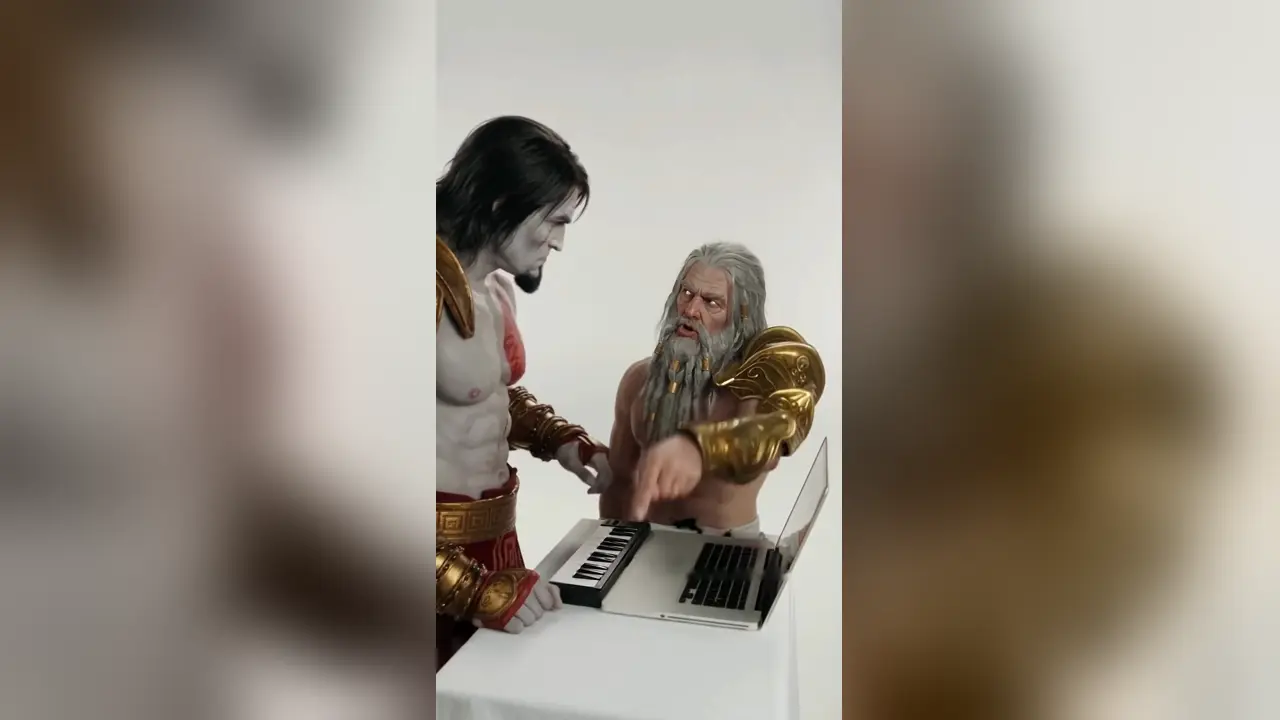
You provide
- Photo 1: the person on the keys
- Photo 2: the hype partner
- Nothing else: no prompt, no green screen and no editing
Turn two photos into the Alors on Danse AI meme video. Photo 1 plays the mini keyboard on the left; Photo 2 is the hype partner on the right who leans into the lens. Choose vertical 9:16 or 16:9, 5, 10, 15 or 30 seconds, a Seedance or MiniMax H3 model and the resolution, and see the credit cost before you generate. The white studio, moves, camera and soundtrack come from the reference clip, so no prompt is needed.
Make my Alors on Danse video10 seconds · 9:16 · 720p · soundtrack included
Faces and outfits can drift between cuts, especially in the close-up. Watch the whole clip before you post it.
Your two photos replace the performers in this template preview. Play it with sound to hear the soundtrack added to your video.
Photo 1 replaces the performer on the left, who stays at the table and plays the mini keyboard and laptop. Photo 2 replaces the performer on the right, who points, throws an arm up, coaches the beat and then leans right into the camera for the close-up. Other Alors on Danse tools number their photos differently, so check the labels here before uploading, or use Swap photos to switch roles.
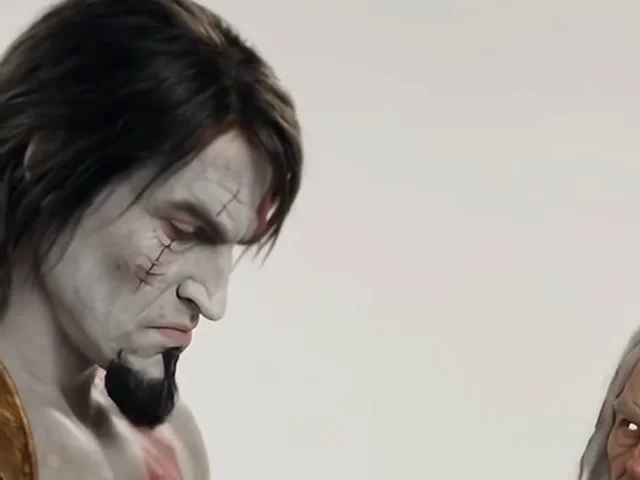
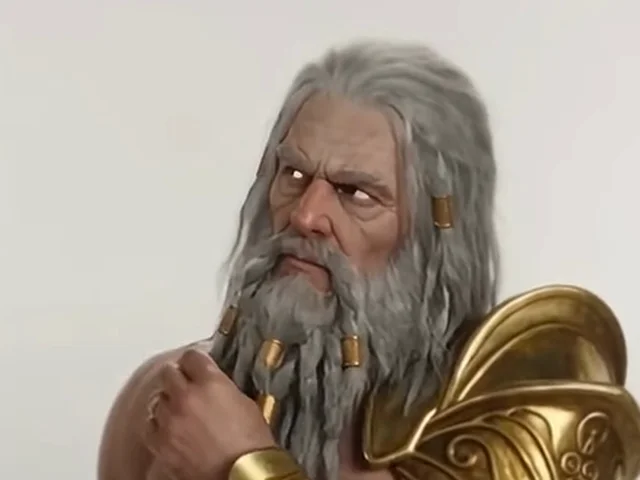
Put the more expressive face in Photo 2: that role gets the big close-up, so a sharp, front-facing photo matters most there. Waist-up photos give the model your outfit; a tight face crop leaves clothes to chance.
JPG, PNG or WebP, up to 20 MB each, with the shorter edge at least 300 px. One person per photo; crop out anyone else.
Only upload photos of people who agreed to appear in the video, and label the result as AI-generated when you post it.
Add Photo 1 for the keyboard player and Photo 2 for the hype partner, one person per photo.
Pick 5, 10, 15 or 30 seconds, a Seedance or MiniMax H3 model and 480p, 720p or 1080p where the model offers it. The credit cost updates before you generate.
Most videos take a few minutes and you can leave the page. Check both faces through the close-up, then download the MP4 with its soundtrack from your history.
The template shows Kratos and Zeus in a vertical studio scene. Your two photos replace both performers. The 5, 10 and 15-second options are the opening of the same clip; 30 seconds adds the ending where both walk off across the studio, holding the last frame for about a second.
The format goes back to a comedy sketch from Jamel Debbouze’s Made in Jamel, in which Jamel walks into Stromae’s white studio and pretends to coach him into writing “Alors on danse”. It is often captioned as the song’s making-of, but Stromae wrote the song on his own; the sketch is a joke. AI remakes now swap new pairs into the two roles, from tech CEOs to film characters, which made the Alors on Danse AI trend take off on TikTok. It works because the calm one at the keyboard and the over-committed hype partner are easy to recast with friends or partners.
This is an independent video tool, with no affiliation to Stromae, Jamel Debbouze, their labels or the creator of the reference remake.
Different character combinations in the same white-studio scene. Characters and likenesses belong to their respective owners.
The Lord of the Rings: MC Gandalf x DJ Frodo
Harry Potter. MC Dumbledore x DJ Harry
Star Wars: MC Palpatine x DJ Anakin
Spider-Man. DJ Tom x MC Tobey x Andrew
3 people: this tool takes two photos
DJ Yamal x MC Messi x MC Ronaldo
3 people: this tool takes two photos
Breaking Bad
Behind the Scenes "Alors on danse"
Seedance 2.5 is the default: it checks both photos and the reference clip first, then renders even 30 seconds in one pass. Seedance 2.0 Mini, Fast and 2.0 and MiniMax H3 cost fewer credits. Mini stops at 15 seconds; for 30 seconds the others join two 15-second generations, so faces can shift slightly at the join. Mini and Fast stop at 720p, and MiniMax H3 offers 720p and 1080p. No model guarantees a perfect likeness, so try a short clip first if you are unsure.
Yes. The model renders silent video, and the finishing step adds the reference clip’s own soundtrack, cut to the length you chose, so the MP4 you download has sound. The music is Stromae’s commercial recording: platforms may treat your post like any other clip with commercial music, and some creators add the platform’s official sound when posting instead.
Photo 1 always takes the keyboard. Use Swap photos and generate again.
Use a sharper, front-facing photo with even light and no sunglasses or mask. Seedance 2.5 and 2.0 usually hold identities better than Mini.
If a photo is not accepted or the model fails, the credits for that video are returned automatically. Try a different everyday photo.
Alors on Danse videos use site credits. The total depends on the length, model and resolution, is shown before you generate and is charged once per finished video.
| Model | 10 seconds · 480p | 10 seconds · 720p | 10 seconds · 1080p |
|---|---|---|---|
| Seedance 2.0 Mini | Costs 11 credits | Costs 24 credits | — |
| Seedance 2.0 Fast | Costs 40 credits | Costs 87 credits | — |
| Seedance 2.0 | Costs 68 credits | Costs 145 credits | Costs 364 credits |
| Seedance 2.5 | Costs 97 credits | Costs 219 credits | Costs 388 credits |
| MiniMax H3 | — | Costs 97 credits | Costs 154 credits |
A 5-second video starts at 6 credits. Check the total for your length, model and resolution before generating. Eligible new accounts currently receive 10 credits; this may not cover a video with every model. Signup credits expire after 3 days.
Free accounts receive a moving watermark. Any purchase unlocks the saved clean original, including videos you have already made.
If the generation task fails or a photo is not accepted, the credits charged for it are returned. A finished video can still contain visual imperfections, so check it before sharing.
Alors on Danse videos use site credits. The total depends on the length, model and resolution, is shown before you generate and is charged once per finished video.
Starter
For trying the trend
240 credits / month
Credits shared across all video tools
Pro
For regular creators
780 credits / month
Credits shared across all video tools
Enterprise
For agencies and pages
2,650 credits / month
Credits shared across all video tools
Photo 1 replaces the performer on the left who plays the mini keyboard. Photo 2 replaces the performer on the right who hypes the room and leans into the camera for the close-up. Use Swap photos to switch them.
No. The studio, moves, camera and role instructions come with the template. Upload two photos, choose the settings and generate.
Yes. The finished MP4 includes the reference clip’s soundtrack, cut to your chosen length. It does not generate a new song or clone a voice. The music is a commercial recording, so platforms may handle it like other clips with commercial music.
Choose 5, 10, 15 or 30 seconds in vertical 9:16 (the default) or 16:9. Seedance models offer 480p and 720p; Seedance 2.0, 2.5 and MiniMax H3 also offer 1080p, and MiniMax H3 has no 480p. Vertical videos are 480 × 854, 720 × 1280 or 1080 × 1920; 16:9 videos are 854 × 480, 1280 × 720 or 1920 × 1080. The reference is vertical, so 16:9 widens the studio and can follow the moves less exactly. The default is Seedance 2.5, 10 seconds, vertical at 720p.
A 5-second video starts at 6 credits. Check the total for your length, model and resolution before generating. Eligible new accounts currently receive 10 credits; this may not cover a video with every model. Signup credits expire after 3 days.
Free accounts receive a moving watermark. Any purchase unlocks the saved clean original, including videos you have already made. A 5-second video starts at 6 credits. Check the total for your length, model and resolution before generating. Eligible new accounts currently receive 10 credits; this may not cover a video with every model. Signup credits expire after 3 days.
Exact likeness is not guaranteed. Faces, hair and clothing can change, especially in the close-up and around cuts, and the two identities can occasionally blend. Use clear photos and watch both people through the whole clip.
Usually a few minutes, longer for 30 seconds or busy periods. You can leave the page; finished videos are saved in your history.
If the generation task fails or a photo is not accepted, the credits charged for it are returned. A finished video can still contain visual imperfections, so check it before sharing.
A CapCut template places your clips or photos into a fixed edit. This tool uses an AI video model to recreate the whole performance with your two people, so they move, play the keys and lean into the camera themselves. It is not affiliated with CapCut.
No. Your photos are used to make your video, kept in private storage and not added to any public examples. Your history and downloads require your account.
Two photos, a few minutes, one Alors on Danse video your friends will replay.
Make my Alors on Danse videoLast updated