
Photo → dance video
AI Twerk Video Generator
Turn one photo into a playful twerk dance video with music. Upload a clear photo, generate your clip, and preview the result.
- One photo, no prompt
- Music added by the effect
- Never published
Choose a photo to continue.
See AI Twerk in Action
Preview the dance motion and music before you upload a photo. Play a sample to see the effect.
Outdoor portrait → dance video
Compare the original photo with the animated dance video.
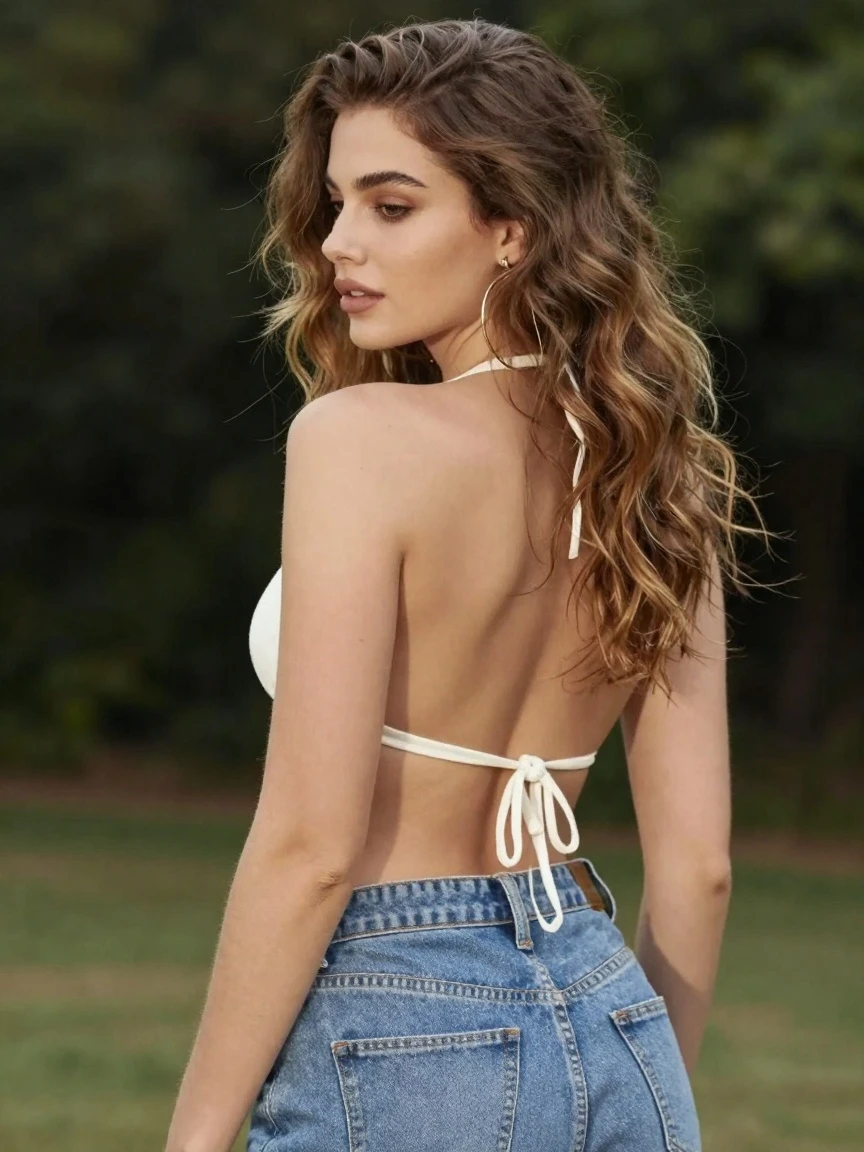 View the original photo
Portrait dance with music
A portrait comes to life in a short dance clip with music.
How to Make a Twerk Video
Three steps from a still photo to a short dance clip.
1. Upload one photo
Pick a clear JPG, PNG or WebP photo of one adult, ideally full body. Check the preview, then confirm you may use it.
2. Generate
The button shows the credits before you start. Your photo goes only to the video effect, which animates it and adds music.
3. Preview and download
Watch the result with sound on, then download the MP4. It also stays in My videos, visible only to you.
Choose a Photo That Moves Well
The effect works from a single image, so the photo decides most of the result.
Works best
- One person, in focus, facing the camera or at a slight angle
- Full body or at least head to hips in the frame
- Even light and a simple background
- Clothes and pose that leave arms and legs unobstructed
Replace or crop first
- Group photos: crop to one person before uploading
- Tiny faces, head-only selfies or heavily cropped bodies
- Blurry, very dark or heavily filtered images
- Anyone under 18, or anyone who has not agreed to be animated
A Simple AI Twerking Video Maker
This ai twerking video generator is a one-click effect: it turns an image into a twerk video without prompts or editing.
No prompt to write
The effect uses only your photo. There are no motion, length or style settings to tune, so there is nothing to get wrong.
Works in your browser
Upload, generate and download on desktop or phone. You can refresh or leave the page while the video is being made.
Pay only for delivered videos
Credits are reserved when you start. If no video is delivered, they go back to your balance automatically.
AI Twerk Generator FAQ
Answers about photos, cost, music, privacy and failed generations.
Do I need a prompt?
No. The one-click effect uses your photo as its only input. Upload a clear image and start generation.
Which photo should I use?
Use one clearly visible adult with an unobstructed face and body. A full-body photo is the best starting point. JPG, PNG and WebP up to 10 MB are accepted.
Can I use a group photo?
The generator is designed for one person. Crop or replace group photos before generating.
How much does an AI twerk video cost? Is it free?
Each video costs 30 credits, shown on the Generate button before you start. Credits come with the plans and packs on the pricing page. New accounts currently receive 20 trial credits, shown in your balance after signing in.
Does the video include music?
Yes, the effect adds its own music track. Preview the audio before downloading. The track is chosen by the effect and cannot be changed here, so check that it suits where you plan to post.
What happens if generation fails?
If the service cannot deliver a video, the credits for that attempt are returned automatically and the page tells you why when it can, for example a photo the service did not accept. You can update the photo and try again.
Are my uploads public?
Your uploads and results are never published or added to a gallery, and the site shows them only to your signed-in account. They are stored under long random addresses that are not listed anywhere, and the photo is shared only with the video service that animates it.
Whose photos can I use?
Only photos of adults who have agreed to be animated, such as yourself or a friend who said yes. Keep results respectful and label them as AI-generated when you share them.